Technology
- Home
- Technology
- News
Canva adds an AI ‘off’ button
Canva will now allow you to turn off its generative AI features. With this change, you can disable the graphic design platform's array of AI tools, such as its AI photo-extending Magic Expand feature, as well as turn off the ability to generate images with it…

Published 2 گھنٹے قبل on نومبر 21 2026، 2:01 شام
By Web Desk
Canva will now allow you to turn off its generative AI features. With this change, you can disable the graphic design platform’s array of AI tools, such as its AI photo-extending Magic Expand feature, as well as turn off the ability to generate images with its Canva chatbot.
This toggle doesn’t turn off every AI-powered feature on Canva, however. That includes Canva’s background remover and its Magic Grab tool, which lets you select an object in an image and move it somewhere else. Canva says these tools will stay on because they “make everyday tasks faster without generating anything new.”
[Image: https://platform.theverge.com/wp-content/uploads/sites/2/2026/11/canva-ai-toggle.png?quality=90&strip=all]
The toggle still turns off many of Canva’s other AI features, including Magic Write, Magic Design, Magic Layers, Magic Edit, Dream Lab, Canva Code, AI Shapes, and more.
Since Canva’s big push into AI in 2023, some users have expressed frustration with the influx of AI features and asked for ways to turn them off. Canva has only continued to expand on its AI-powered image-editing suite since then, by rolling out a prompt-powered editing update in April and launching its first in-house AI model, Canva Craft, last month.
You can also now switch a toggle to see less AI content in Canva’s content library. Switching this option on means you’ll see human-created content first when searching through Canva’s library for templates, graphics, and other design elements. Canva says a “small portion” of its library consists of AI-generated content, and that any design that uses one of these elements will have an AI label in its metadata.
To turn off Canva’s AI features, head to Profile > Settings > Permission, and then toggle off Enable generative AI features. You can choose to see less AI-generated content by going to Profile > Your account > AI personalization, and then turning on the option to show less AI content. These switches are available to both free and paid users.

In Yemen's Aden, divided government forces prepare for a Houthi assault
- 17 hours ago
Trump’s looming nominations crunch
- a day ago
FCC greenlights rule allowing prisons to jam cellphone signals
- 2 hours ago

Scoop up three great 4K Blu-ray movies for $33
- 11 hours ago
ChatGPT can transcribe as you speak now with Live Dictation
- 2 hours ago

NationalGrid plans Rs100bn Sukuk programme to strengthen Pakistan’s electricity transmission network
- 21 hours ago
The Apple Watch Series 12 is cheaper than ever ahead of Black Friday
- a day ago
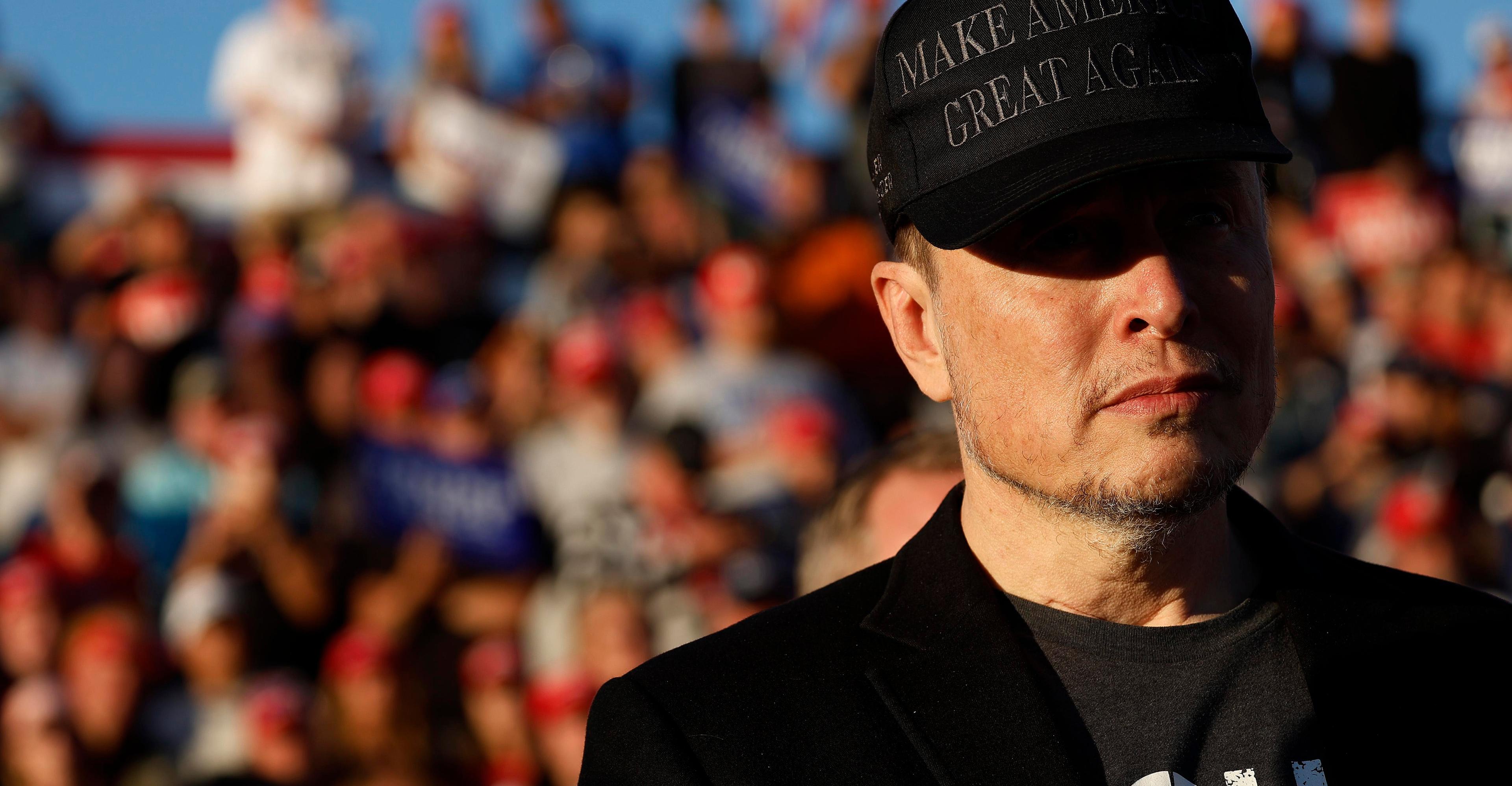
Oh, Elon Musk is ‘moderate’ now, is he?
- 2 hours ago

Gold prices record visible decline in Pakistan, global markets
- 20 hours ago

Pakistan clinches Blind T20 Asia Cup title in Dhaka
- 18 hours ago
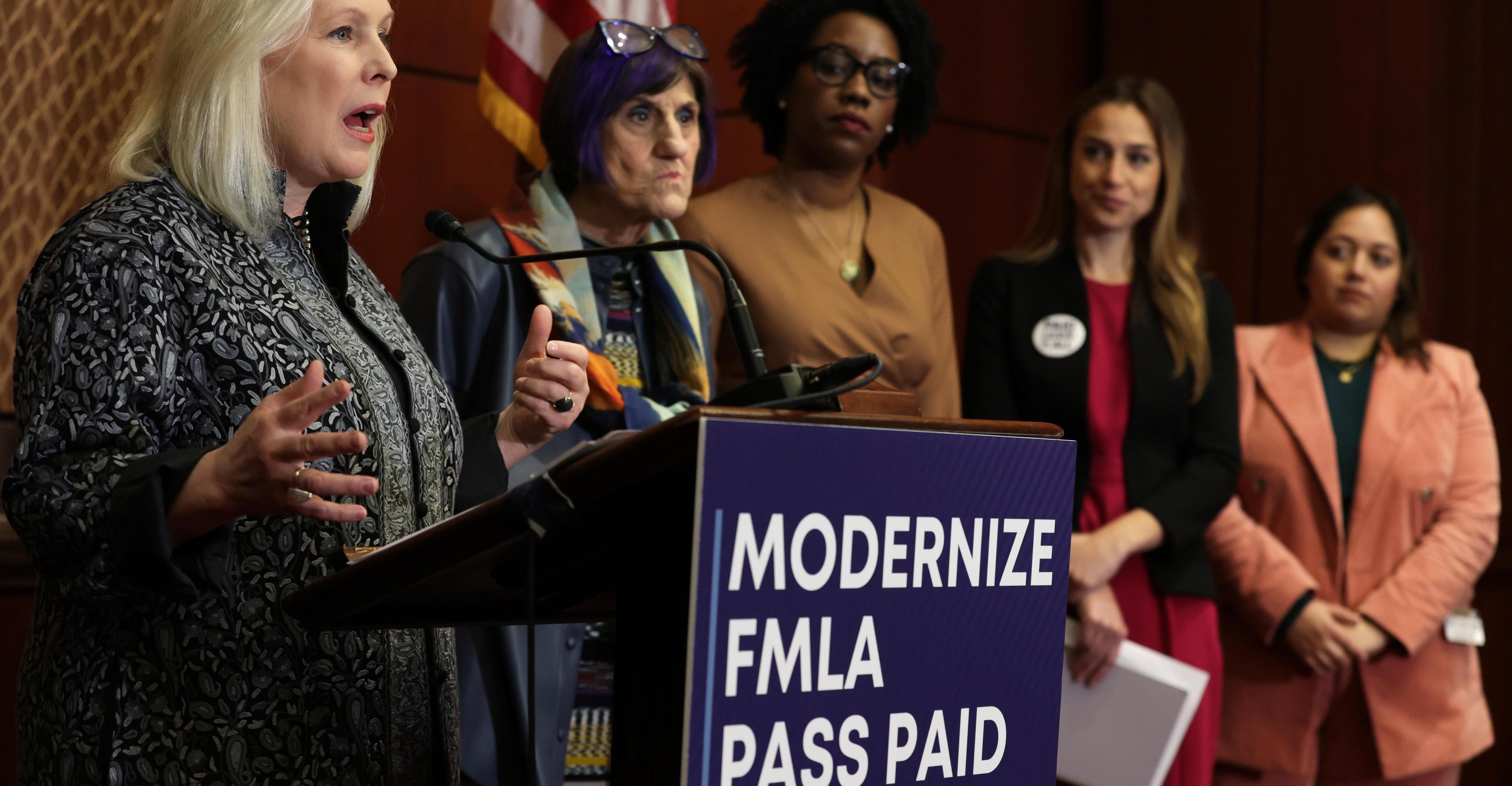
What makes Americans feel financially ready to have kids? It’s complicated.
- 9 hours ago

CDF munir vows to eliminate menace of terrorism in KP
- a day ago
You May Like

Trending